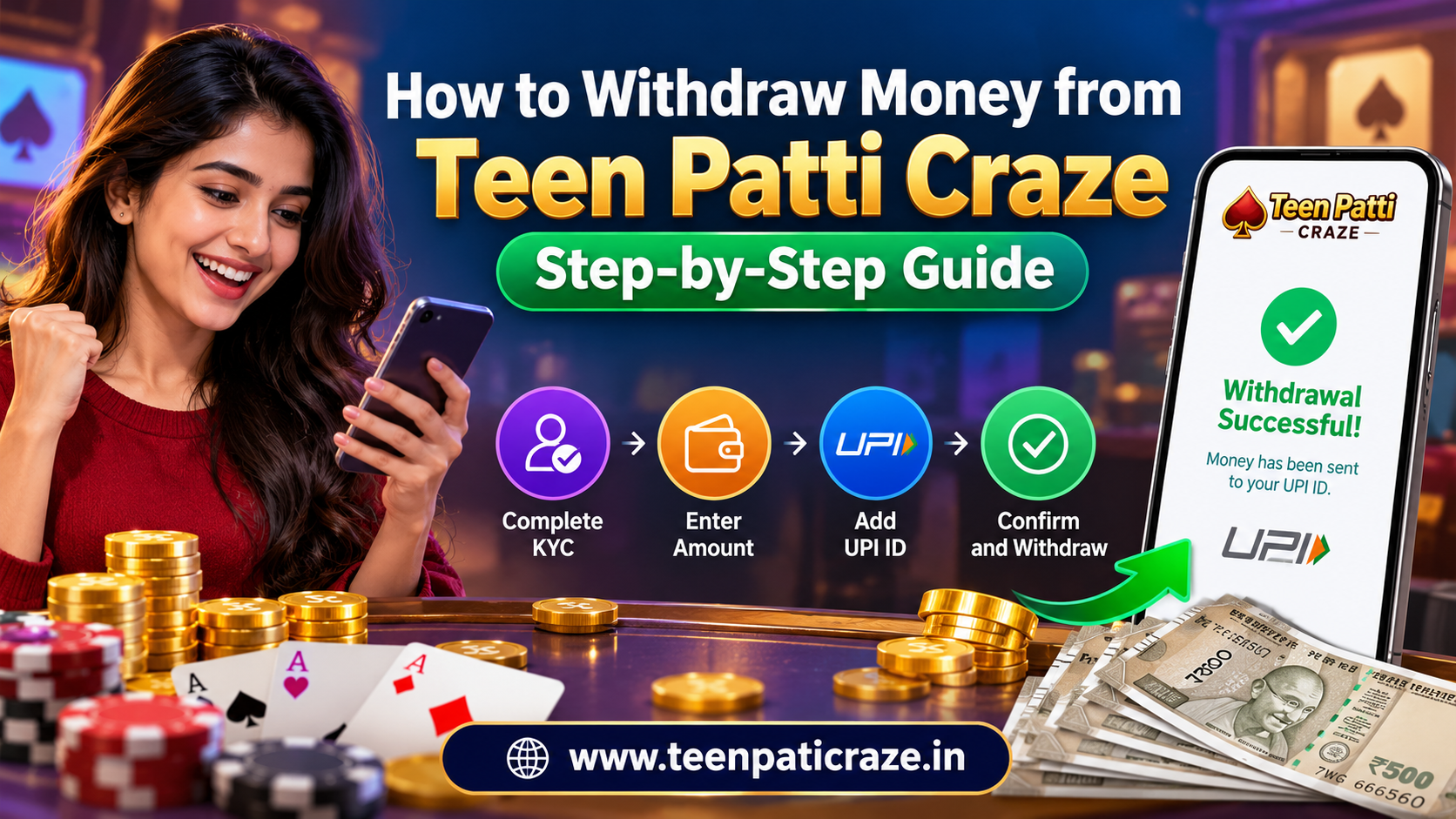
Withdrawing money from an online gaming account should be simple, clear, and secure. Before requesting a payout, you need to understand the verification process, payment details, and withdrawal limits.
The teen patti upi withdrawal process on Teen Patti Craze allows eligible users to request payouts directly to their verified UPI ID. The platform requires KYC verification before your first withdrawal and lets you track your request through the transaction history. Follow this guide to understand each step and avoid common payment mistakes.
What Do You Need Before Withdrawing Money?
Prepare these details before you start:
- A verified Teen Patti Craze account.
- Completed KYC verification.
- A valid UPI ID linked to your preferred payment account.
- An eligible balance that meets the current minimum withdrawal limit.
- Access to your transaction history to check the request status.
Always review the latest withdrawal rules in the app before submitting your request.
How to Withdraw Money from Teen Patti Craze
Follow these four steps to request a withdrawal.
Step 1: Complete Your KYC Verification
Open your account and check your verification status. If you have not completed KYC, follow the instructions in the app. You must complete this one-time verification before your first withdrawal.
Step 2: Open the Withdraw Section
Sign in to your account and select Withdraw. Enter the amount you want to request. Check the minimum withdrawal amount, daily limits, and any applicable fees displayed on the screen.
Step 3: Enter Your Verified UPI ID
Add the correct UPI ID where you want to receive your money. Double-check every character before continuing. Incorrect payment details may delay your request or cause transaction problems.
Step 4: Confirm and Track Your Request
Review the amount and payment details, then submit your withdrawal request. Open your transaction history to check whether the request remains pending, is processing, or has completed.
How Long Does a Teen Patti Craze Withdrawal Take?
According to the platform's withdrawal guide, verified UPI withdrawals often take a few minutes to a few hours. However, banking systems and verification checks can affect processing time. This estimate does not guarantee an instant payout.
If your request remains pending longer than expected, contact support at [email protected] and provide your transaction reference.
Common Withdrawal Problems and Their Solutions
A pending or failed withdrawal can occur because of verification checks, incorrect UPI details, or bank processing delays. Check your transaction status first, confirm your payment information, and contact support if the issue continues.
Never share your OTP, UPI PIN, bank password, or remote-access permissions with anyone claiming they can release your payment.
Final Thoughts
A successful payout starts with correct account details, completed verification, and careful review of the withdrawal rules. Before using 3 patti upi withdrawal services, confirm that real-money gaming is permitted in your state and that you meet the platform's age requirements. Treat gaming as entertainment, not a reliable source of income, and never spend more than you can afford to lose.
Official resource: Teen Patti Craze Withdrawal Guide
Frequently Asked Questions
Is KYC mandatory for withdrawal?
Yes. Teen Patti Craze requires account verification before your first withdrawal.
What is the minimum withdrawal amount?
Check the Withdraw screen for the current minimum amount and any daily limits.
Are withdrawal fees applicable?
The platform displays any applicable charges before you confirm your request.
What should I do if my withdrawal is pending?
Check your transaction history and contact support with your transaction reference if the delay continues.
