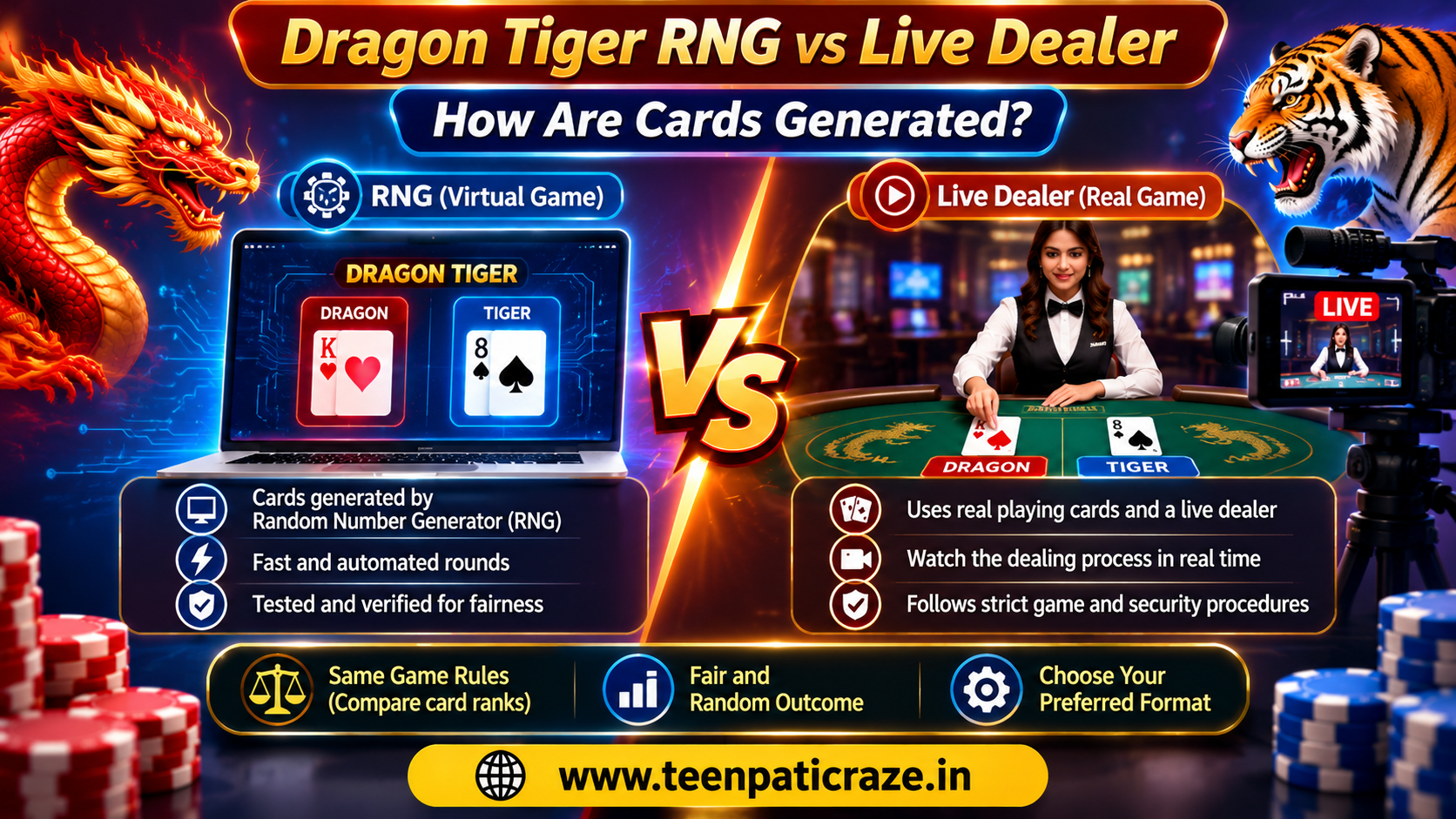
Have you ever wondered how online card games decide which cards appear on the screen? The process depends on the game format. Some games use software to generate outcomes, while live dealer games use physical cards and a real dealer.
In Dragon vs tiger, both formats follow the same basic idea: one card goes to Dragon and one to Tiger, and the higher-ranking card wins. However, the method used to generate or deal those cards can differ. Understanding this distinction helps beginners learn how the game works and what to check when choosing a platform.
What Is RNG in Dragon Tiger?
RNG stands for Random Number Generator. It is software that produces numbers used to determine outcomes in virtual games. The game software maps those numbers to cards according to its programmed rules.
In an RNG-based Dragon Tiger game, the software handles the card outcome and displays the result on the screen. A properly designed and tested RNG aims to produce unpredictable results that follow the game's rules.
The UK Gambling Commission's RNG standards explain the importance of acceptable randomness and unpredictable outcomes.
How Does a Live Dealer Game Work?
A live dealer version uses physical playing cards rather than generating every card through a virtual RNG. A dealer shuffles and deals cards at a real table, while cameras stream the action to online viewers.
The Live Dealing Process
- The dealer prepares and shuffles the cards according to the game's procedures.
- The dealer places one card in the Dragon position and one in the Tiger position.
- The game compares the card ranks to determine the outcome.
- The platform displays the result and settles bets according to its published rules.
Live video lets viewers see the dealing process, but a video stream alone cannot prove that a game operates fairly. Proper controls, secure equipment, clear procedures, and independent oversight also matter.
The UK Gambling Commission's guidance on live dealer games discusses physical cards, fair shuffling, and other integrity measures.
RNG vs Live Dealer: Key Differences
| Feature | RNG Dragon Tiger | Live Dealer Dragon Tiger |
|---|---|---|
| Card source | Software-generated outcomes | Physical playing cards |
| Main process | Software determines the result | Dealer shuffles and deals |
| Viewing experience | Animated or digital interface | Live video stream |
| Fairness checks | RNG and game testing | Dealing procedures and integrity controls |
| Round experience | Usually fast | Depends on the dealer and table pace |
Both formats can follow the same Dragon Tiger rules, but their methods of producing outcomes differ.
How Can You Check Whether a Game Is Fair?
Before using a platform, look for these signs:
-
Independent testing: Check whether a recognized testing organization verifies the game or RNG.
-
Clear rules: Review card rankings, Tie settlement, and payout conditions.
-
Licensing information: Confirm the operator's licence and whether it covers your location.
-
Transparent policies: Look for accessible terms, dispute procedures, and responsible gaming information.
Do not assume a game has certified RNG simply because its website claims to use random outcomes. Check the relevant certification details where available.
Final Thoughts
RNG and live dealer games use different methods to produce card outcomes, but neither format guarantees a win. Learn the rules, review the operator's verification information, and set clear limits before playing. If you want to understand the rules of the dragon vs tiger online game, visit the TeenPattiCraze Dragon Tiger guide. Treat gaming as entertainment, not a source of income, and check the laws that apply to your location.
Frequently Asked Questions
Is RNG Dragon Tiger different from live dealer Dragon Tiger?
The main difference is how the cards are produced. RNG games use software-generated outcomes, while live dealer games use physical cards dealt by a real person.
Can players predict RNG card outcomes?
A properly implemented RNG aims to produce unpredictable outcomes. Previous results do not reliably predict the next round.
Is live dealer Dragon Tiger automatically fairer?
No. Live video provides visibility into the dealing process, but fairness also depends on proper procedures, security controls, and independent oversight.
Which format should beginners understand first?
Both formats use simple card-comparison rules. Beginners should focus on understanding the rules, payouts, and fairness information rather than assuming either format offers better winning chances.
