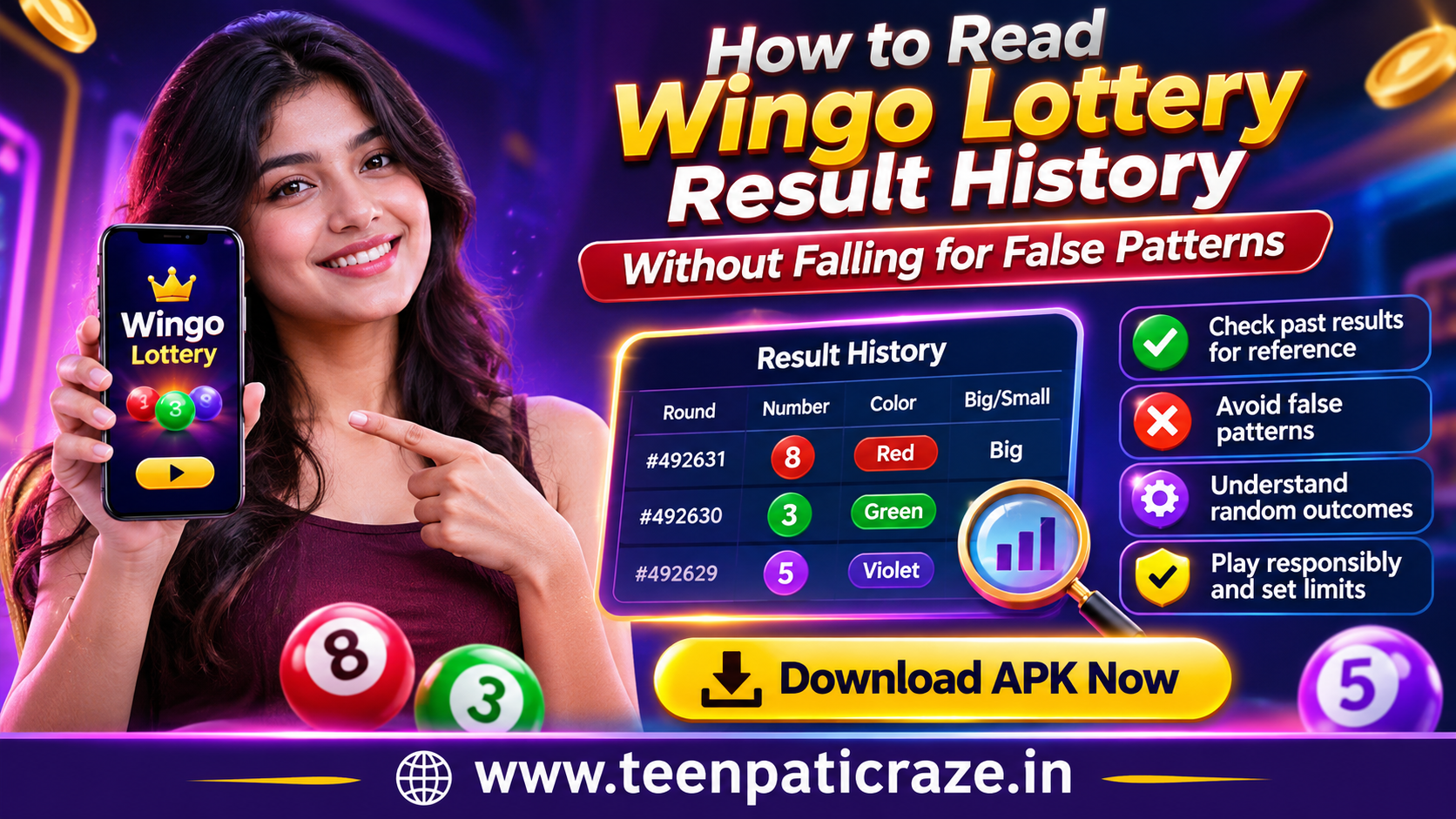
Wingo Lottery attracts players who enjoy quick rounds, colour choices, and number-based results. However, reading past results correctly matters more than trying to guess what comes next. A recent streak may look meaningful, but it does not automatically reveal a future outcome.
For anyone exploring Lucky lottery wingo slots, result history offers a way to review previous rounds, understand displayed results, and learn how the game works. It should serve as a record of past activity, not a prediction tool or a promise of winning.
What Does Wingo Lottery Result History Show?
Result history usually displays previous round numbers, digits, colours, and other game details. On Teen Patti Craze, Wingo Lottery features colour predictions, numbers from 0 to 9, and big-or-small options. Check the displayed rules to understand how each result relates to these options.
Check the Details Before Drawing Conclusions
- Round ID: Match each result with its correct round reference.
- Number: Check the digit displayed for that round.
- Colour: Review the colour associated with the result.
- Big or small: Confirm the platform's number ranges before interpreting this category.
These details help you understand what happened without assuming they can reveal the next result.
How to Avoid False Patterns in Lottery Results
H3: Do Not Chase Repeated Colours
Suppose red appears several times in a row. You might expect green to appear next, but this assumption can lead to the gambler's fallacy. In a genuinely independent random draw, previous outcomes do not make another result automatically due.
Treat Missing Numbers Carefully
A digit that has not appeared recently is not necessarily more likely to appear next. Random sequences can contain gaps, repetitions, and streaks. The RANDOM.ORG FAQ explains why past lottery numbers cannot reliably predict future independent draws.
Remember That History Is Not a Winning Formula
Charts and result trackers can summarise previous outcomes, but they cannot guarantee future success. The UK Gambling Commission's random outcome standards explain the importance of unpredictability and appropriate randomness in regulated games.
These standards provide useful general guidance; they do not independently verify the fairness or certification of a particular Wingo game.
A Smarter Way to Review Results
Use a simple checklist whenever you explore historical results:
- Confirm that you are reading the correct round.
- Review the number and colour according to the published rules.
- Separate recorded facts from personal guesses.
- Never increase your stake to recover a loss.
- Set spending and time limits before playing.
Remember that even a long history cannot guarantee a profitable outcome. Only play where legally permitted, and never use money needed for essential expenses.
Explore Wingo Lottery Responsibly
Understanding the rules is a better starting point than following unverified predictions. If you explore a Wingo lottery game online, review the published terms, check local legal restrictions, and remember that every round carries uncertainty. Players must be at least 18 where applicable, follow local laws, and stop if gaming creates financial or emotional pressure.
Frequently Asked Questions
Can Wingo Lottery history predict the next result?
No reliable prediction follows from past results alone when draws operate independently. A previous streak does not guarantee a reversal or continuation.
Are repeated numbers a sign of a winning pattern?
Not necessarily. Repeated numbers can occur naturally in random sequences and do not prove that a number will appear again.
How should beginners approach Wingo Lottery?
Start by learning the rules, checking result records, and understanding the risks. Avoid paid prediction claims and treat the game as entertainment, not an income source.
